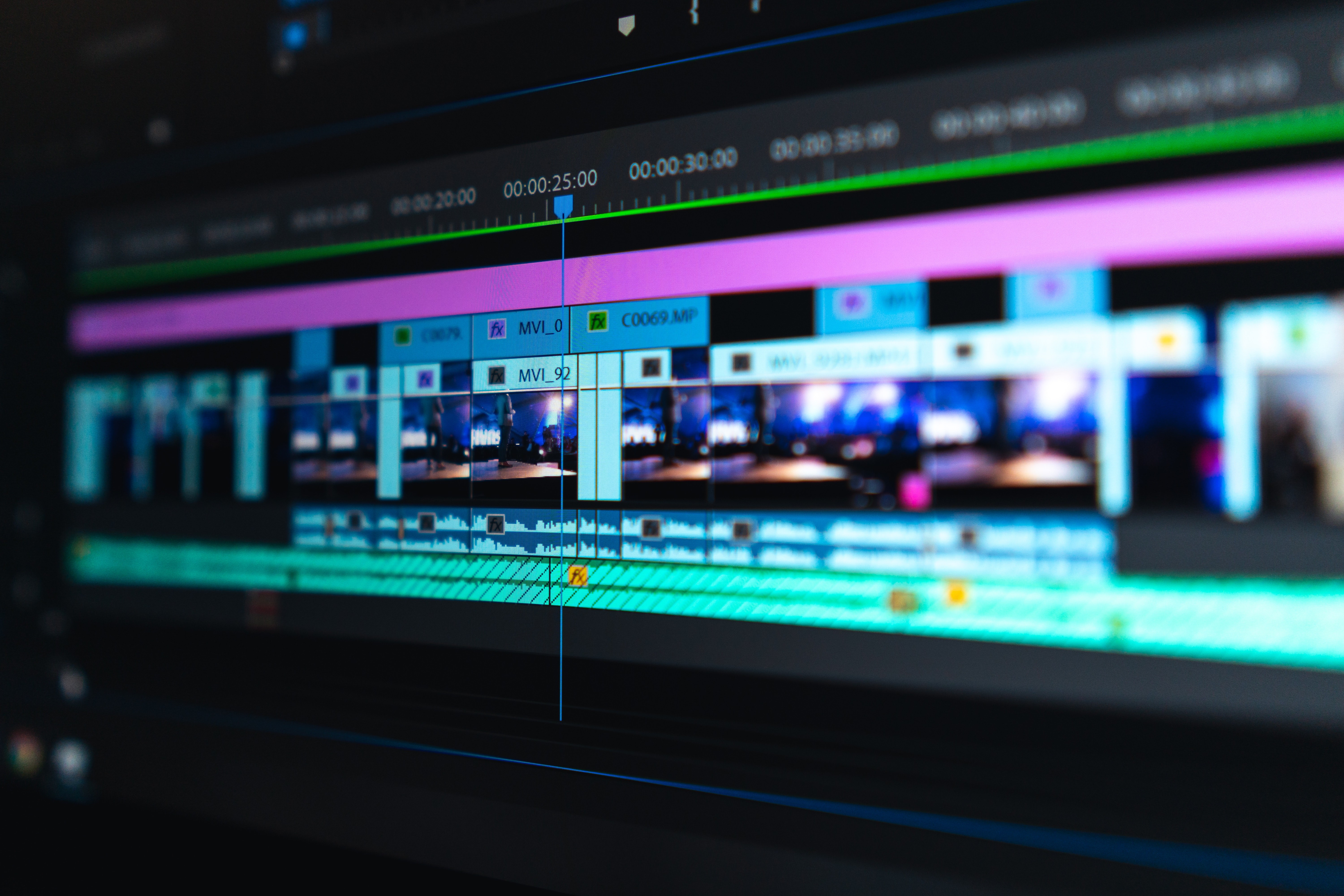
Top 5 Video Editing Tools for Stunning Edits
When it comes to creating stunning video edits, having the right tools at your disposal is essential. Here, we highlight the Top 5 Video Editing Tools that can elevate your editing game to new heights. Each tool is equipped with unique features that cater to different skill levels and project needs. Whether you're a beginner or a seasoned pro, there's something on this list to enhance your workflow and creativity.
- Adobe Premiere Pro - A premier choice for professional video editors, offering a comprehensive range of features and seamless integration with other Adobe products.
- Final Cut Pro - Apple's flagship editing software is known for its powerful editing tools and user-friendly interface, ideal for Mac users.
- DaVinci Resolve - Combining editing, color correction, and audio post-production in a single application, this tool is a favorite among indie filmmakers.
- HitFilm Express - A robust free editing tool that offers advanced visual effects capabilities, making it perfect for both beginners and experienced creators.
- Magisto - Ideal for social media influencers, this AI-based platform simplifies video creation, allowing you to produce engaging content quickly.
How to Choose the Right Editing Software for Your Needs
When it comes to selecting the right editing software, it's imperative to first assess your specific needs. Begin by identifying the type of projects you'll be working on — whether it's video editing, photo manipulation, or written content. Create a checklist of features that are most important to you, such as image editing capabilities, user interface intuitiveness, and compatibility with other tools you may be using. Additionally, consider your skill level; beginners may prefer software with a more straightforward workflow, while experienced users might look for advanced functionalities.
Next, take the time to research and compare different editing software options available in the market. Look for user reviews, tutorials, and comparison articles to gain insights into the performance and effectiveness of potential candidates. Websites like TechRadar provide comprehensive guides and lists that can help you narrow down your choices. Don’t forget to take advantage of free trials or demo versions, which can help you evaluate how well the software meets your needs before making a financial commitment.
Common Video Editing Mistakes and How to Avoid Them
Video editing can be a complex task that requires both creativity and technical know-how. One of the most common mistakes is over-editing, where editors apply excessive effects and transitions that can distract from the core message of the video. To avoid this, focus on maintaining a natural flow that complements the content. Remember, simplicity often enhances clarity. For more tips on effective video editing, you can refer to PremiumBeat.
Another frequent error is neglecting audio quality. Poor sound can ruin an otherwise great video, so always ensure that your audio is clear and balanced. Consider using tools to enhance audio or backing up dialogue with royalty-free music. Additionally, always check your video for consistency in color grading, as inconsistent colors can be jarring to viewers. To learn more about improving your video's audio and visuals, check out VideoMaker.