Top 10 Streaming Tools Every Gamer Should Have
In the world of gaming, streaming has become an integral part of sharing experiences and building communities. Whether you’re a seasoned streamer or just starting out, having the right tools is essential for creating engaging content. Here are the Top 10 Streaming Tools Every Gamer Should Have to elevate your streaming game.
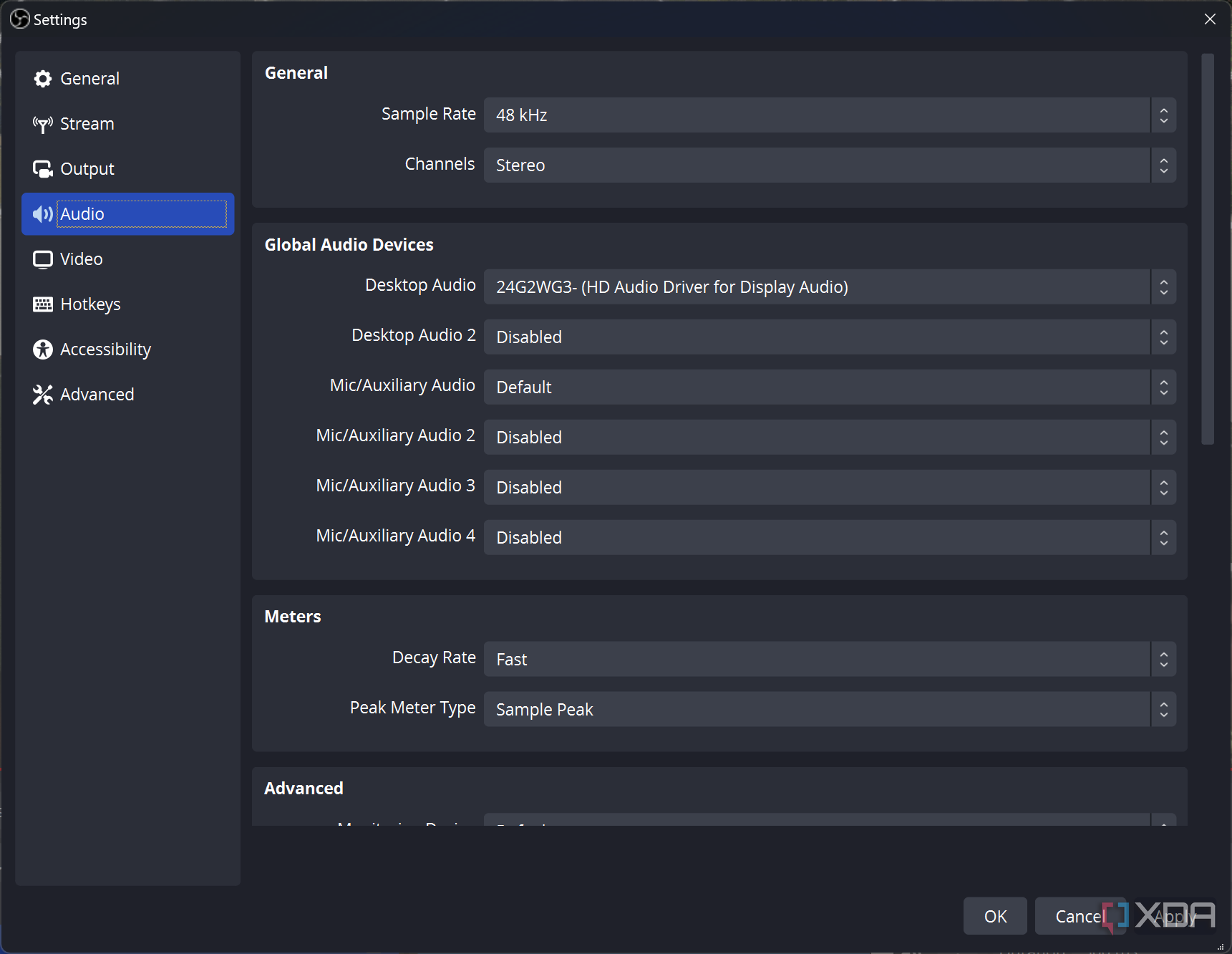
- OBS Studio: An open-source software that's perfect for both beginners and advanced users. It allows for high-quality streaming with customizable layouts.
- Streamlabs: A user-friendly platform that integrates various features like alerts, overlays, and donation tracking, making it a must-have for any streamer.
- Discord: While it’s primarily a communication tool, its community-building features make it essential for gamers looking to connect with their audience.
- Elgato Stream Deck: This handy device lets you control your stream with the press of a button, managing scenes, sounds, and more effortlessly.
- Cam Link: If you're serious about your visuals, this device allows you to connect your DSLR or camcorder to your streaming setup.
- Canva: For creating stunning promotional graphics and overlays, Canva is an invaluable tool in your graphic design arsenal.
- VoiceMeeter: A virtual audio mixer that enables you to manage and control your audio inputs and outputs effectively.
- Discord StreamKit: Enhance your Discord server with integrated tools that allow for seamless streaming interactions.
- Snagit: Perfect for capturing high-quality screen imagery for highlights or tutorials.
- StreamElements: A comprehensive suite that includes overlays, alerts, and donation management, streamlining your streaming process.
How to Build a Professional-Grade Streaming Setup on a Budget
Building a professional-grade streaming setup on a budget is entirely achievable with careful planning and smart purchases. First, assess your needs; are you streaming gameplay, tutorials, or vlogs? This will help you determine what equipment is essential. Start by investing in a quality microphone and a decent camera, as audio and visuals are crucial for engaging your audience. Look for budget-friendly options like USB microphones and webcams that offer HD quality. Consider upgrading your lighting with affordable LED panels or ring lights to improve your video quality without breaking the bank.
Next, focus on your software and streaming platform. Many platforms like OBS Studio and Streamlabs offer free versions that are powerful enough for most needs. To create a polished look, explore free themes and overlays that can enhance your stream's professionalism. Finally, don't underestimate the importance of a reliable internet connection; consider investing in an ethernet cable for a stable connection. By prioritizing these elements, you can create a professional-grade streaming setup that captivates your audience without emptying your wallet.
What Are the Best Tips for Engaging Your Audience While Streaming?
Engaging your audience while streaming is crucial for building a loyal viewer base. Here are some best tips to keep your audience interested:
- Interact in Real-Time: Make sure to respond to comments and questions live; this fosters a sense of connection.
- Utilize Polls and Q&A Sessions: Encourage audience participation by integrating polls and asking for their opinions, which makes them feel valued.
Additionally, incorporating high-quality visuals and dynamic content can significantly enhance viewer engagement. Consider these strategies:
- Stream with Personality: Let your unique style shine through to make your streams memorable.
- Schedule Regular Streams: Consistency helps in building anticipation and keeps your audience coming back for more.